*When a bulb displays "Up to" a certain number of lumens in its specifications, it displays the maximum lumen output of the bulb. It shows how bright the bulb can get at 2700 K (White bulbs) or 4000 K (White ambiance or White and colour ambiance bulbs). Learn more about brightness.

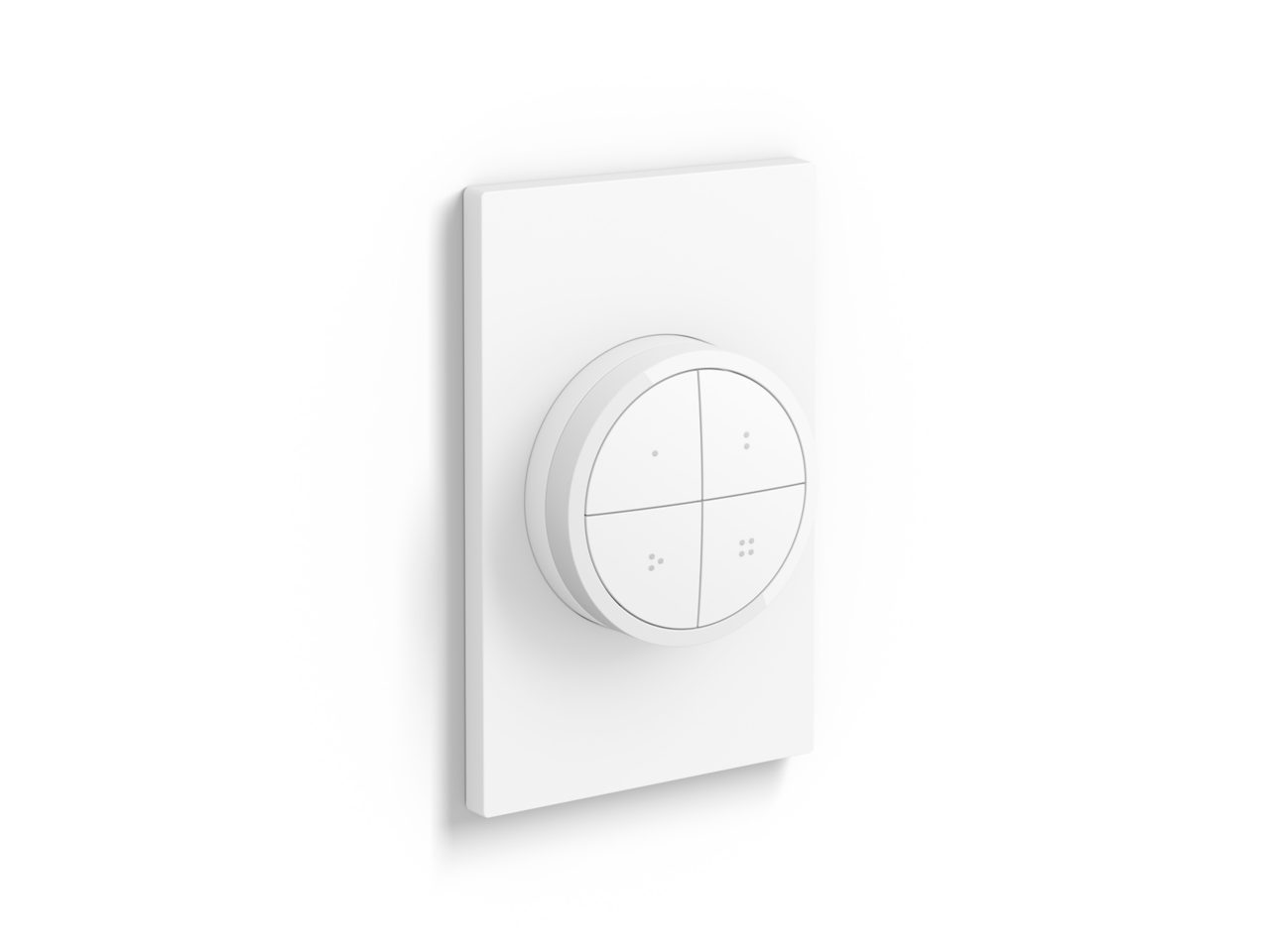
Tap dial switch
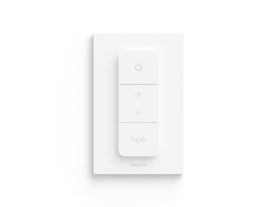
Control up to three Rooms or a Zone with each individual button of the Tap dial switch, available in black or white. Turn the dial to dim and brighten the lights. Mount it to the wall, place it on a magnetic surface, or use it as a remote control.
Product highlights
- No-wire installation
- Smooth dimming
- Battery powered
- Mount anywhere
- Easy access to light scenes
Trending products
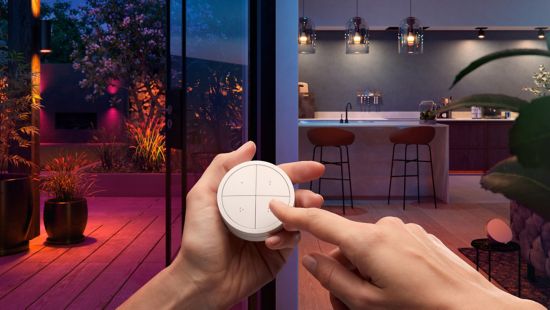
Convenient versatility
Control your entire smart lighting system from anywhere in your home — without your phone or tablet.
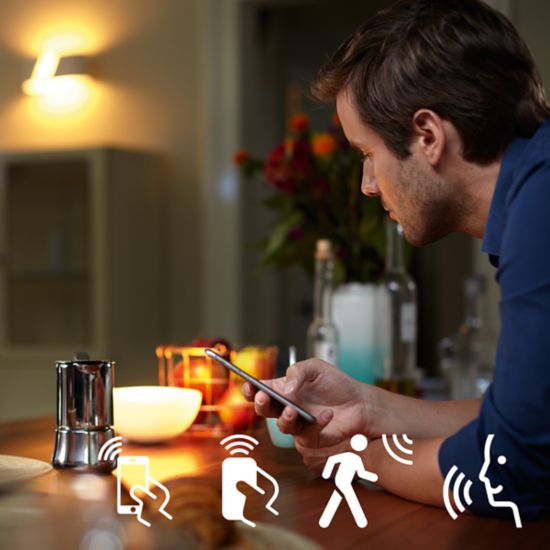
Control it your way
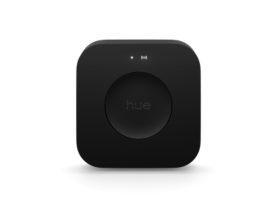
Connect your Philips Hue lights with the bridge and start discovering the endless possibilites. Control your lights from your smartphone or tablet via the Philips Hue app, or add switches to your system to activate your lights. Set timers, notifications, alarms, and more for the full Philips Hue experience. Philips Hue even works with Amazon Alexa, Apple Homekit and Google Home to allow you to control your lights with your voice.
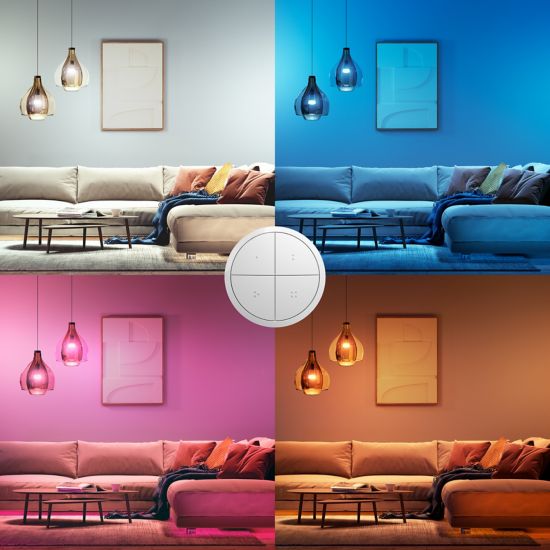
Set scenes instantly
With a sleek, matte design in both black and white, the Philips Hue Tap dial switch lets you set scenes in any room of your home. Program each button to control 3 separate Rooms or a Zone — and choose a scene for each.
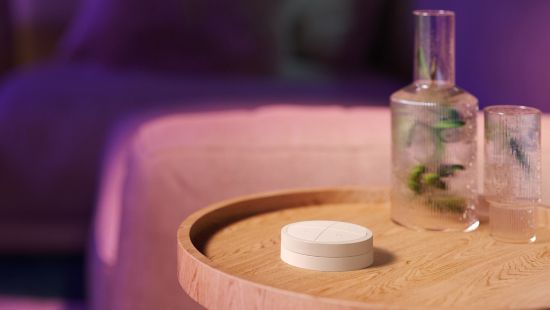
Use it your way
Mount the Tap dial switch to the wall with its adhesive backing, attach it to any magnetic surface, or remove it from the wall plate and use anywhere in your home as a remote control.
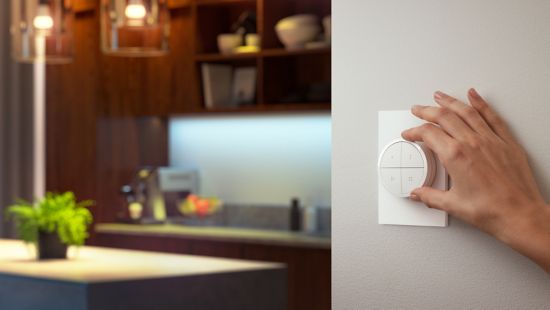
Rotate to dim and brighten easily
For precise lighting levels, turn the dial slowly to dim or brighten in smaller increments. Turn it faster to quickly brighten or dim the room.
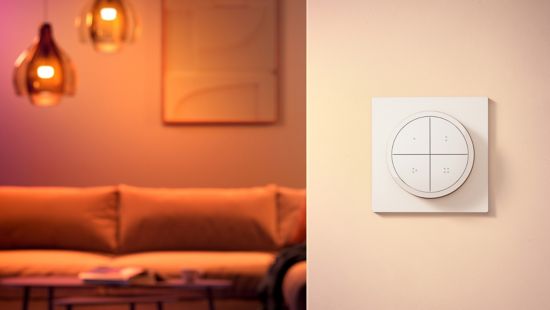
Use as a remote or mount to the wall
Attach the Tap dial switch to the wall with its adhesive backing, place on any magnetic surface, or simply remove it from the wall plate to use as a remote control.
Specifications
Design and finishing
Design and finishing
Color
White
Material
Synthetic